
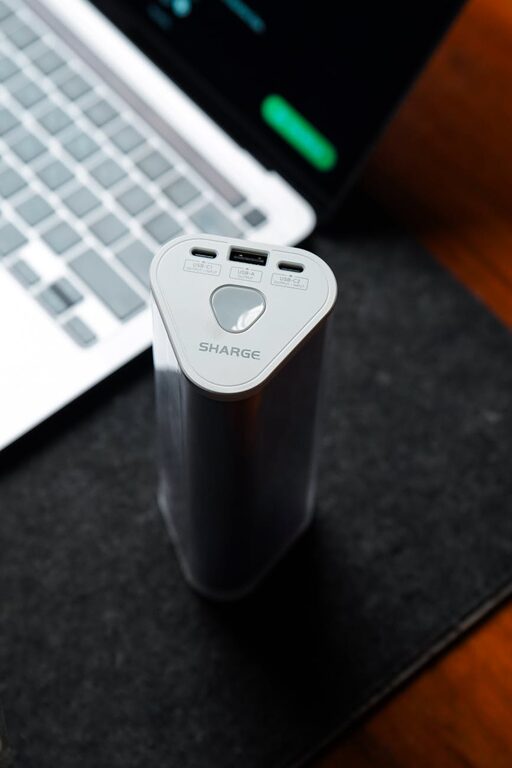
Creating a dedicated charging station for your devices can help keep your home organized, reduce clutter, and make charging multiple gadgets easier and safer. Whether you have smartphones, tablets, smartwatches, or other rechargeable devices, setting up a centralized spot for charging is a simple project that anyone can do.
Why Set Up a Charging Station?
With the increasing number of devices in our homes, cords and chargers tend to scatter around, leading to a messy space. A charging station helps by:
– Consolidating all chargers in one place
– Preventing tangled cables
– Protecting devices from damage and overheating
– Creating a more streamlined, aesthetic area
– Making it easier to keep track of devices’ battery status
Now let’s explore the step-by-step process of setting up your personal charging station.
Step 1: Choose the Right Location
Start by selecting a convenient, accessible spot with enough space and a nearby power outlet. Common locations include:
– A corner of your desk or workspace
– A shelf near your living room or bedroom
– A kitchen counter near an outlet
– A dedicated charging drawer or box in a cabinet
Make sure the area has good ventilation to avoid devices overheating while charging.
Step 2: Gather Necessary Supplies
Before setting up, collect the items you’ll need to organize and power your station:
– Power strip or charging hub with multiple USB ports
– Cable organizers such as clips, sleeves, or ties
– Device stands or holders (optional, but useful for tablets and phones)
– A small container or tray for accessories like earbuds or charging bricks
– Labels (optional) to mark charging ports or device spots
USB charging hubs are practical because they reduce the number of wall plugs required and provide multiple ports in one device.
Step 3: Organize Your Chargers and Cables
Sorting through your charging cables is important. Keep only those you regularly use and discard or store extras elsewhere. Use cable organizers to:
– Separate cables by length or device type
– Avoid tangled wires
– Keep the station tidy and easy to maintain
Velcro straps or cable clips can hold cables in place and prevent slipping behind furniture.
Step 4: Set Up Your Devices
Arrange the devices you want to charge in the charging station. If you have stands for phones or tablets, place them so devices can rest comfortably while charging.
Tips for device arrangement:
– Keep longer cables for devices stored further away
– Group similar devices together for easy identification
– Make sure devices have enough space to prevent overheating
Step 5: Connect and Power Up
Plug your power strip or charging hub into the wall socket and connect all charging cables to it. Test each port to ensure it’s working correctly.
Safety advice:
– Avoid overloading electrical outlets
– Use high-quality, certified chargers and cables
– Keep liquids away from the charging station to prevent accidents
Step 6: Maintain Your Charging Station
To ensure your charging station remains efficient and tidy:
– Regularly clean dust and debris from cables and surfaces
– Check cables for wear and replace if damaged
– Rearrange devices and cables as needed when you add or remove gadgets
Optional Enhancements
For a more customized charging station, consider:
– Adding a small lamp or LED lighting for visibility
– Using a decorative tray or organizer box to match your room style
– Integrating wireless charging pads for compatible devices
– Installing a smart outlet to control power remotely or set schedules
Final Thoughts
Setting up a charging station doesn’t require special expertise or expensive equipment. With a little planning and organization, you can create a neat, safe, and convenient spot to power up all your devices. This small change can make a big difference in reducing clutter and keeping your gadgets ready to go.
Try these steps today and enjoy a better charging experience at home!